
Automated Spend Analysis Software: Why Excel Fails (and What to Use Instead)
Don’t be a Blockbuster in a Netflix world. Blockbuster didn’t fail because people stopped renting movies. It failed because it didn’t react fast enough to change; they held on for far too long to processes that weren’t scalable. It wasn’t that the company didn’t see the shift happening; they just simply underestimated how fast that shift would happen.
The same might be said today on the conversation around automated spend analysis software solutions. It’s not that finance teams don’t understand the need for visibility and real-time insights; it’s that the true cost of sticking with Excel never gets measured. Excel is seen as the easier option. Companies lean on spreadsheets because they’re comfortable and accessible. And because adopting a new technology is too big a project to take on.
In 1999, that worked. Now, however, it’s one of your biggest liabilities. This article breaks down the true cost of managing spend through spreadsheets and why automated spend management software should be your next business upgrade.
What is automated spend analysis software?
Automated spend analysis software helps finance teams track and categorize company spending in real time — so you can understand where money is going, identify risk or waste, and make faster budget decisions.
In practice, most tools combine spend analysis with automated spend management, including approvals, purchase requests, invoice workflows, and audit trails.
Why Excel fails as a spend analysis system
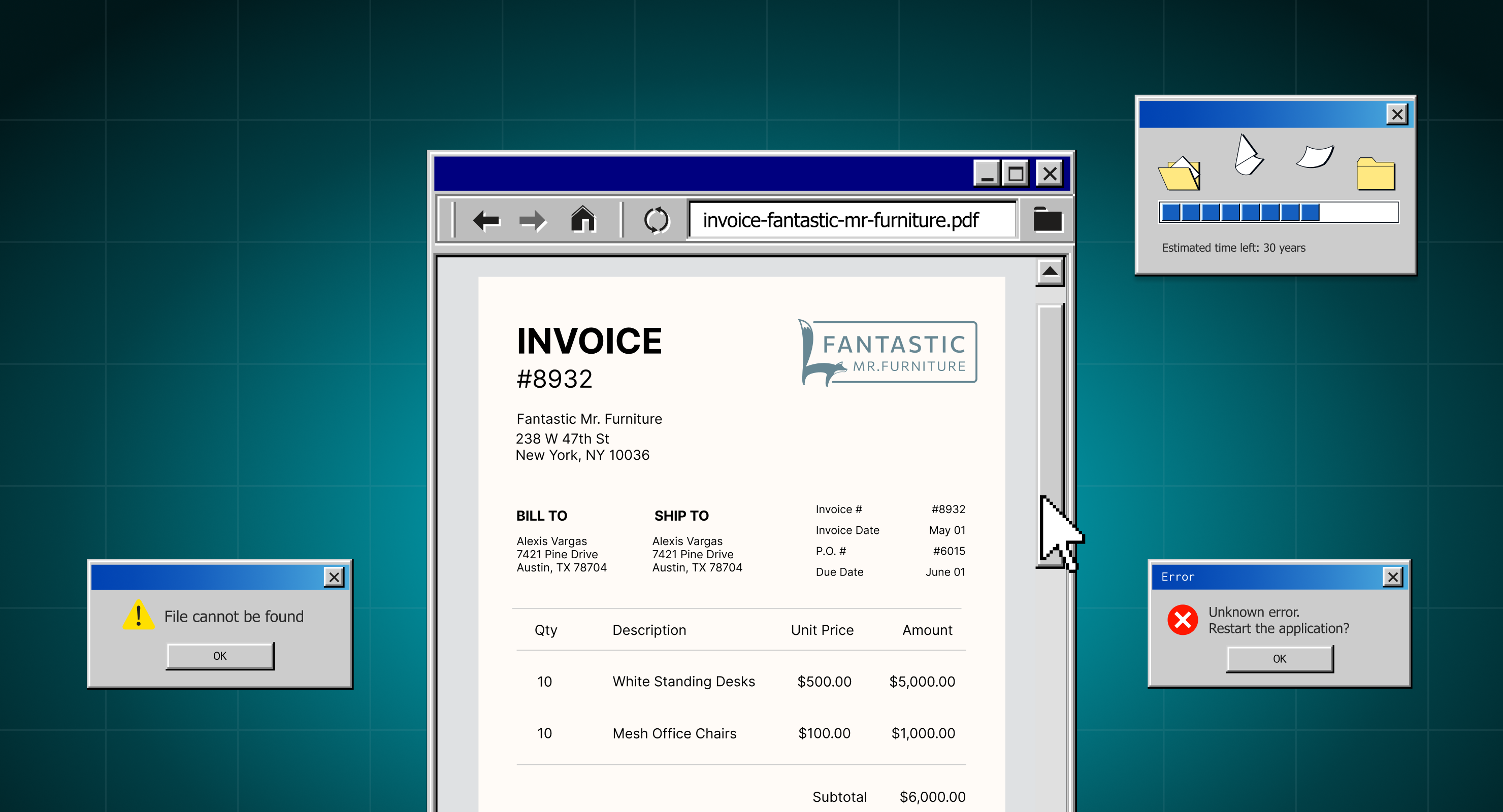
Spreadsheets are great for to-dos, simple budgets, and lists. But when it comes to tracking and controlling company spend, Excel is like dial-up internet in a world of high-speed Wi-Fi; static, slow, and disconnected from how business actually runs today.
Remember that screeching modem sound? The long wait to load a single webpage? That’s Excel for spend analysis. It technically works… until the moment you need real-time answers.
Here’s what breaks down:
- No real-time visibility: By the time you update the sheet, spending has already happened.
- No built-in controls: approvals are managed in email threads and Slack messages, not within an auditable workflow.
- No clean audit trail: you can’t easily trace who approved what, when, and why.
- Errors multiply fast: formulas break, tabs get duplicated, versions conflict, and small mistakes compound.
- Reporting becomes reactive: spend trends only become clear after the month closes — when it’s too late to correct course.
And the cost isn’t just time, it’s money.
When finance teams rely on Excel, they spend hours cross-referencing data, chasing approvals, and cleaning up inconsistencies. Meanwhile, purchases slip through without documentation, invoices arrive late or mismatched, and budgets get updated after the fact.
In our Procurement Benchmark Report, which analyzed over $20B in real spend data, healthcare AP processing times averaged 124 hours. That’s not just a five-day delay — it’s strained vendor relationships, disrupted operations, and a direct hit to cash flow.
Automated spend analysis is about seeing what’s happening in real time and putting controls in place before money leaves the building.
The business case for automated spend analysis software
If you’re building a business case to move away from Excel and invest in a spend analysis platform with built-in controls, the argument is simple: managing spend with spreadsheets is like waiting for a page to load while everyone else is streaming in real time.
By the time you finally see where your budget stands, decisions have already been made, money has already been spent, and you’re playing catch-up instead of moving forward. If your competitors are already operating with real-time visibility and streamlined approvals, why aren’t you?
What systems support centralized spend control?
Centralized spend control typically comes from systems that combine purchasing workflows, budget visibility, and approval routing in a single platform. These include:
- Procure-to-pay (P2P) platforms that manage purchasing, approvals, and invoicing end-to-end
- Spend management platforms that provide real-time visibility into spend across departments and vendors
- AP automation tools that speed invoice processing and reduce errors
- ERP and accounting systems (often paired with procurement tools) that track spend and financial reporting
For most mid-market teams, the biggest gains come from tools that combine visibility and controls, not just reporting.
Here’s what automated spend analysis software can do (when it’s connected to your purchasing workflows):
Centralized spend control: visibility, approvals, and audit trails
When purchase requests, approvals, budgets, and invoices live in disconnected tools, spend analysis becomes reactive — and maverick spending becomes harder to prevent. By the time finance sees the full picture, decisions have already been made — and money is already out the door.
A centralized platform fixes that by bringing purchasing and financial data into one connected system. Instead of chasing spreadsheets and email chains, teams get real-time visibility into:
- Budget status before spend happens
- Purchase orders and invoice progress
- Spend by department, vendor, and category
Automated approvals that prevent overspend — not just track it
When a request is submitted, it’s automatically routed to the right approver based on rules and thresholds — whether they’re in the office or on the go. That reduces delays and keeps purchasing moving without sacrificing control.
Just as importantly, every action is logged automatically, so finance can see:
- Who approved what
- When it was approved
- And what budget or policy it was tied to
That built-in audit trail doesn’t just support compliance — it makes spend decisions defensible.
Spend analysis that leads to action
Real-time insights matter because Excel-based tracking doesn’t just slow teams down — it blocks visibility into the signals that should trigger action.
With automated spend analysis, teams can spot trends early and respond faster:
- Vendor costs increasing over time
- Departments consistently exceeding budget thresholds
- Recurring purchases that should be standardized or negotiated
- Approval bottlenecks slowing down operations
Spend analysis tools replace guesswork with clarity and enable finance to intervene before overspending becomes a month-end surprise.
All this means that teams can track and improve metrics like:
- Purchase order cycle time — How quickly purchases move from request to approval
- Budget variance — Where spend is trending over (or under) budget in real time
- Spend by category and vendor — What you’re spending on, who you’re spending with, and where costs are rising
- Policy compliance — How often purchases follow approval rules and documentation requirements
- Invoice processing time — Time from invoice receipt to payment, including bottlenecks and exceptions
Secure and compliant spend management
Managing company spend in Excel opens the door to data vulnerabilities. Spreadsheets get shared through email and cloud folders, copied into new versions, and accessed by people who shouldn’t have access—often without anyone realizing it. That’s a problem when you’re working with sensitive vendor, budget, and payment data.
In contrast, automated spend analysis and management platforms are built with security in mind, including role-based permissions, encrypted data storage, and automated audit trails that track who approved what, when, and why. This protects financial information, reduces audit risk, and helps organizations meet compliance standards such as SOC 2 and GDPR—areas spreadsheets were not designed to support.
Integrating spend analysis into your existing systems
A common barrier to moving away from Excel is the fear of a complex, time-consuming implementation. But modern spend analysis platforms are designed to integrate with the systems you already use — including ERP platforms, accounting software, and AP tools — so teams don’t have to rebuild processes from scratch.
Onboarding is typically structured and phased, with guided setup, clear workflows, and support to help teams transition without disrupting day-to-day operations. And because the value is immediate—faster approvals, cleaner data, fewer errors—most finance teams start seeing measurable improvements quickly once spreadsheets are no longer the system of record.
Leaving the Windows 95 mindset behind
Think back to the days of Windows 95, when spreadsheets were the pinnacle of business technology. For their time, tools like Excel were revolutionary. But that was a different era. Business wasn’t moving at real-time speed, decisions didn’t demand instant visibility, and teams weren’t spread across departments and geographies trying to stay aligned.
The days of piecing together budget reports and waiting for manual reconciliations are behind us. It’s time to leave the Windows 95 mindset in the past and move toward real-time spend visibility, stronger controls, and clearer decision-making—before overspending becomes a month-end surprise.
Calculate what Excel-based spend tracking is costing you. Use the ROI Calculator to estimate time saved, reduced overspend, and faster approvals.
Preview AI Intake for Orders
Take the product tour to see how the new intake experience works.