



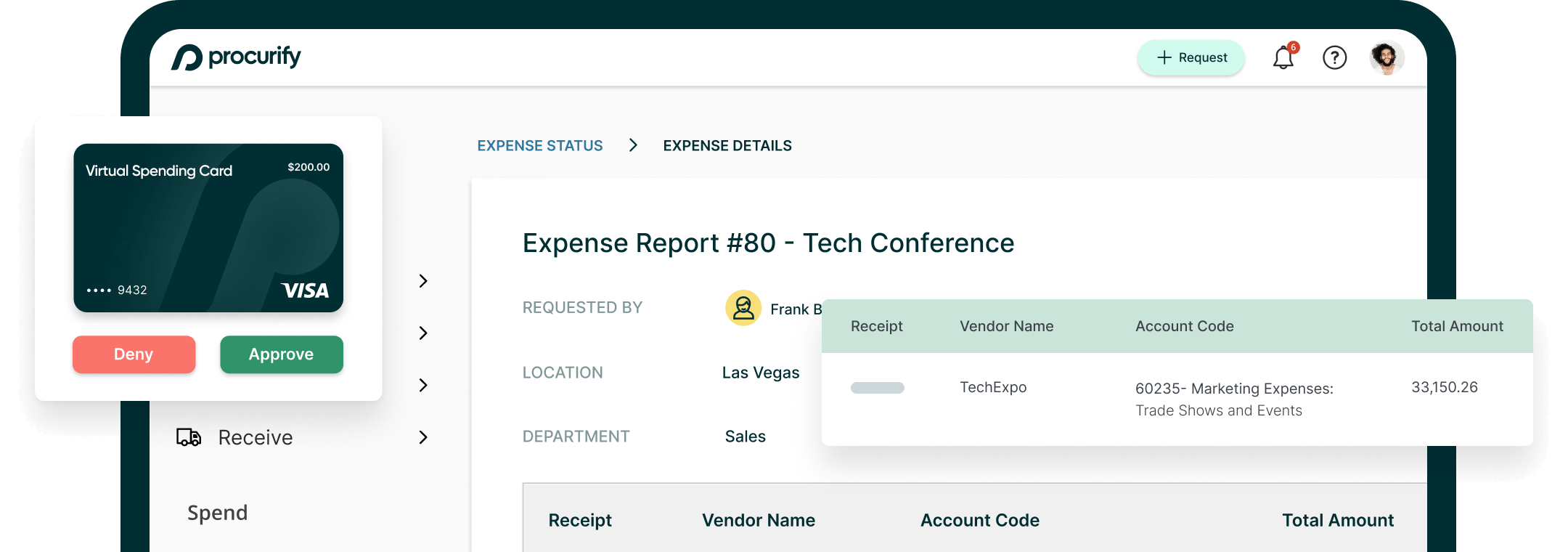
Expenses from your desk or on the go
Whether it’s a client coffee, a per diem, or a last-minute purchase at a trade show, snap a photo of the receipt and attach it to an expense report on the spot. It’s part of Procurify’s expense management software, so it’s already connected to the budgets and approvals your finance team tracks. No more email threads and chasing down missing receipts or paper forms.
-
Simplify employee expense processes
User-friendly expense workflows encourage employees to submit receipts on time.
-
Prevent overspending by monitoring expenses
Track incoming and pending expense requests against your organization’s budgets in real time.
-
Accelerate the reimbursement process
Provide physical and virtual Spending Cards to your team, removing the need to reimburse personal spending for company purchases

Expense reporting software features
Create and submit standardized expense requests from desktop or the mobile procurement app, and move straight through reconciliation.

Desktop and Mobile Requisitions
Simplify your employee expense processes
Start a request on desktop, finish it on mobile: the same form and approval routing either way, so nothing gets resubmitted.

Approval Routings
Prevent overspending by monitoring expenses
Requests route automatically to the right approver based on your organization’s rules, so nothing waits on a forwarded email.

Spending Cards
Accelerate the reimbursement process
Issue a Spending Card instead, and the purchase is already accounted for at the point of sale: a direct alternative to expense reimbursement software, with nothing to file afterward.

Audits and Reporting
Maintain compliance with accurate expense records
Keep accurate records of employee expenses for tax purposes, audits, and financial reporting, connected to the same procure-to-pay software that carries approved expenses through to AP Automation for payment.

Expense reporting software FAQs
Take control of spend now
Book a personalized demo to see Procurify’s agentic procurement platform in action.
