How Accounts Payable Integrates With Your ERP
Most organizations rely on an ERP to record bills, issue payments, and produce financial reports. But the ERP is built to record outcomes, not to manage the day-to-day work of reviewing invoices, resolving issues, and getting approvals.
That gap is where accounts payable lives. How you connect that work to the ERP determines whether invoices move smoothly or create constant cleanup.
When integration is unclear, teams re-enter the same information in multiple systems, approvals happen outside the workflow, and context disappears once an invoice is posted. The ERP may be accurate, but it does not tell the full story of how a transaction was reviewed or why it was approved.
When integration is designed well, the opposite happens. Invoices move through a predictable process. Approvals and exceptions are captured as part of the workflow. By the time a transaction reaches the ERP, it is ready to post without follow-up, manual reconciliation, or guesswork.
This article explains how the accounts payable process typically integrates with an ERP, what information should be shared, where the workflow usually lives, and how to tell whether an integration is actually supporting day-to-day AP work.

Want to simplify how invoices reach your ERP?
See what a modern AP workflow and ERP integration looks like in practice.
A typical AP to ERP invoice flow
While every organization has its own nuances, most invoices move through the same core steps before they are posted to the ERP.
Invoice intake
Invoices arrive through email, vendor portals, scanning, or EDI. In more structured setups, invoices are tied back to a request or purchase so reviewers can immediately see what the spend was for.
Validation
AP checks that the invoice is legitimate and complete. This includes confirming the vendor, amounts, tax, and whether the invoice matches a purchase order or receipt when applicable.
Exception handling
When something does not line up, such as a missing PO, a pricing discrepancy, or a partial receipt, the invoice is held while the issue is resolved.
Approvals
Once validated, the invoice is routed for approval based on policy, thresholds, and responsibility. Approval history and comments become part of the transaction record.
Coding
The invoice is coded to the appropriate general ledger accounts and dimensions, such as department, location, project, or entity.
Posting to the ERP
After approval and coding, the invoice is sent to the ERP and posted as a payable.
Payment and status updates
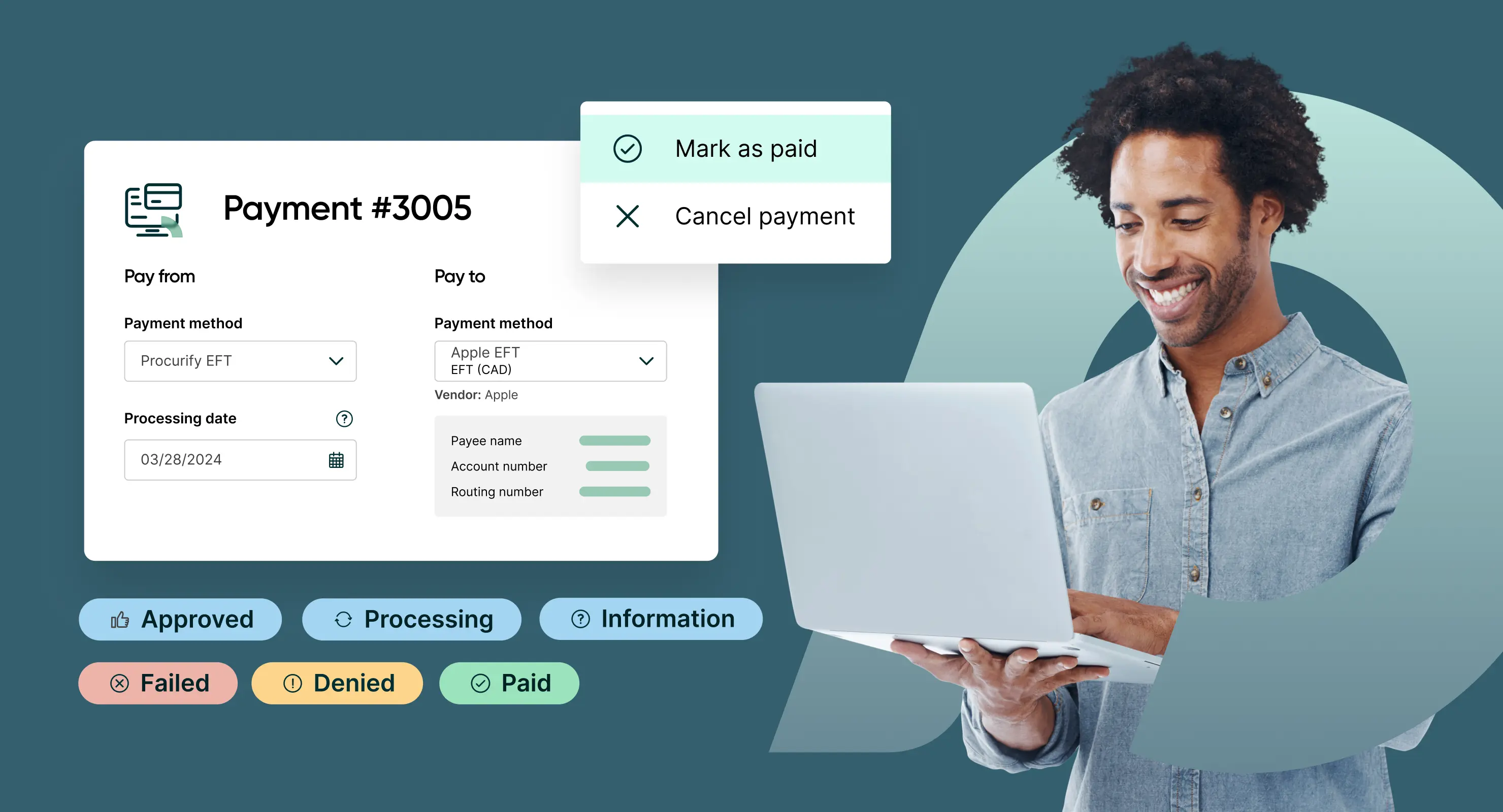
The ERP issues payment and records settlement activity. Status updates flow back so AP can track what happened without recreating context.
This is why integration matters. Once an invoice is posted, it gets harder to remember what happened before it reached the ERP. A strong AP to ERP integration keeps the approvals, notes, and supporting details connected, so nobody has to piece the story together later. If you want to tighten that part of the process, start by optimizing your invoice workflow.
What information needs to flow between AP and the ERP
Once you understand the path an invoice takes, the next question is what information needs to move with it. The goal is not to synchronize everything between systems. It is to make sure the information required to review, approve, and post an invoice is available at the right moment, without re-entering it or rebuilding context later.
In practice, that usually includes the following.
Vendor information
One system should own vendor creation and updates. The other should reference that record. When vendor data is created or edited in multiple places, teams end up dealing with duplicates, mismatched names, and invoices that cannot be processed cleanly.
Coding and accounting structure
General ledger accounts and coding dimensions such as department, location, project, entity, or fund need to stay aligned. Otherwise, invoices may be coded one way during review and posted another way in the ERP, creating confusion during reporting and audits.
Purchase orders, when used
If invoices are validated against purchase orders, AP needs access to PO details during review, even if the ERP owns the PO record. This is where teams often run into confusion because purchase orders and invoices serve different purposes, and mixing them up leads to approval gaps and messy matching. The distinction matters, especially when dealing with partial receipts or service invoices where the relationship between invoices and POs is not always one-to-one.
Receipts and confirmations
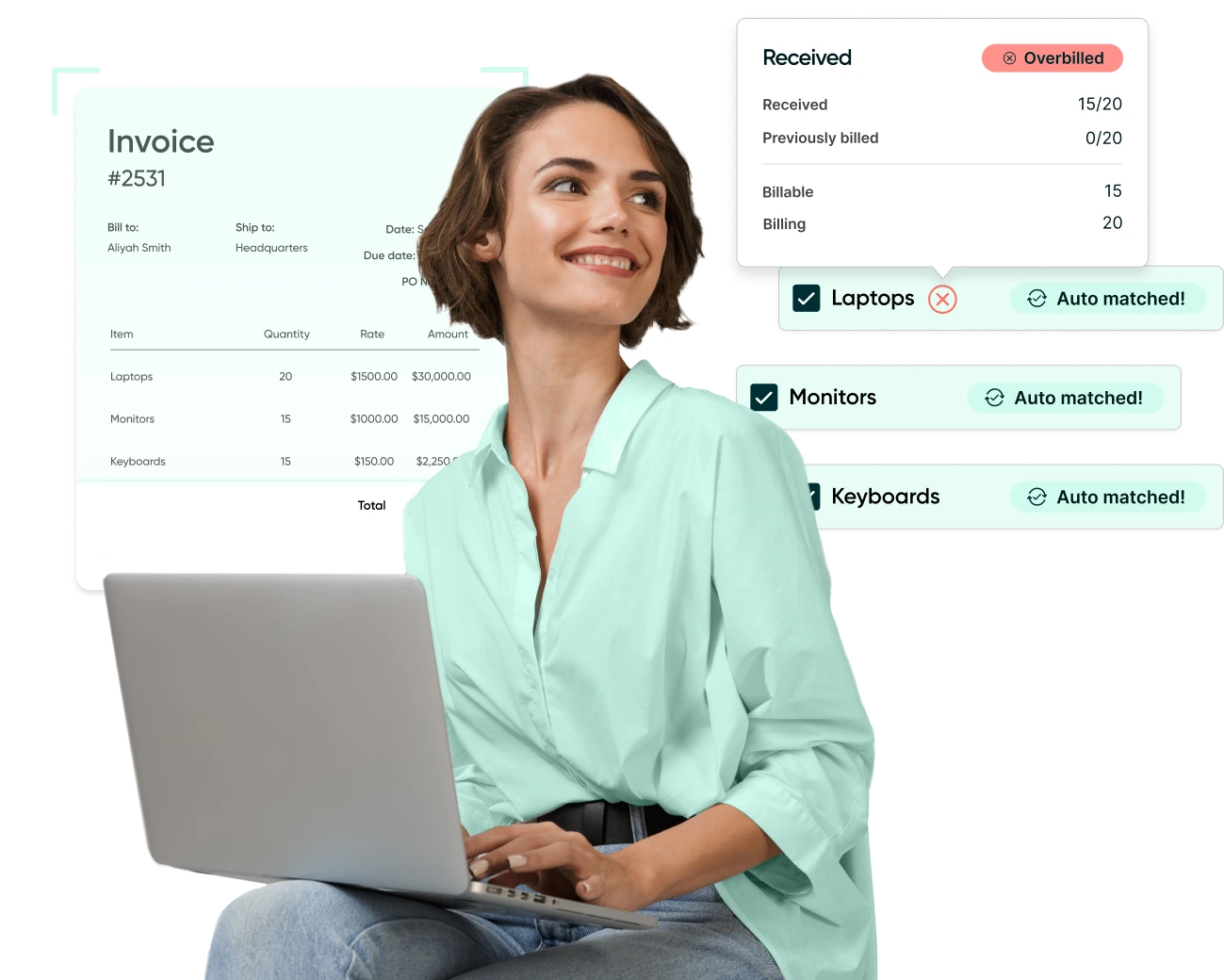
For organizations that use three-way matching, receipt information needs to be visible during invoice review. That includes partial receipts and service confirmations, not just fully received orders.
Invoice details and supporting documents
Invoice header data, line items, coding, and attachments are typically sent to the ERP once the invoice is approved and ready to post. Supporting documents matter later, not just during processing, when questions come up from auditors, vendors, or internal stakeholders.
Approval and exception context
Beyond the invoice itself, the ERP needs enough context to explain why a transaction was allowed. Purchase approval workflow history, exception notes, and confirmation of policy checks may not all live in the ERP, but they need to remain accessible once the invoice is posted.
Posting and payment status
After an invoice is posted or paid, status information should flow back so AP can see what happened without switching systems. Gaps tend to show up here when adjustments, reversals, or partial payments are involved.
Not every organization needs all of this information to move between systems. What matters is that each data type has a clear owner and that nothing required to understand or defend a transaction disappears at the point of posting.
Where the AP to ERP handoff breaks down
Most issues do not come from the invoice itself. They come from how information is handed off between systems.
Over time, small gaps start to appear. Vendor records drift out of sync. Coding structures change without being reflected everywhere. Invoice details or attachments fail to carry through cleanly at the point of posting. Individually, these issues seem manageable. Together, they turn routine invoices into follow-up work.
The handoff also becomes more complex after posting. Adjustments, partial payments, credits, or reversals can make invoice status difficult to trace when systems do not share lifecycle updates consistently.
These breakdowns are rarely about missing features. They usually point to unclear data ownership or integrations designed only for initial posting, not for ongoing change. When teams respond by pushing more operational steps into the ERP, friction tends to increase rather than disappear, a pattern often seen in broader ERP implementation pitfalls.
Common ways AP integrates with an ERP
AP and an ERP rarely integrate in a single, continuous stream. Most organizations connect them at a few key points, depending on where invoice work happens and what information needs to carry through.
Invoices reviewed upstream, then posted to the ERP
In this setup, invoices are captured, validated, approved (often through an invoice approval solution), and coded outside the ERP. Once ready, they are posted into the ERP as a bill or payable. The ERP becomes the system of record after posting.
This pattern is common because it keeps invoice review and approvals in one place while the ERP receives clean, finalized transactions. Supporting details such as coding, attachments, and approval history remain tied to the invoice record so finance can reference them later.
ERP-owned purchase orders with invoice matching during review
Here, purchase orders live in the ERP, but AP uses PO information during invoice validation. The invoice is reviewed against PO details, then posted to the ERP with references back to the PO.
This pattern is common in environments where purchase orders are used as part of spend control and invoice validation.
Two-way status updates after posting and payment
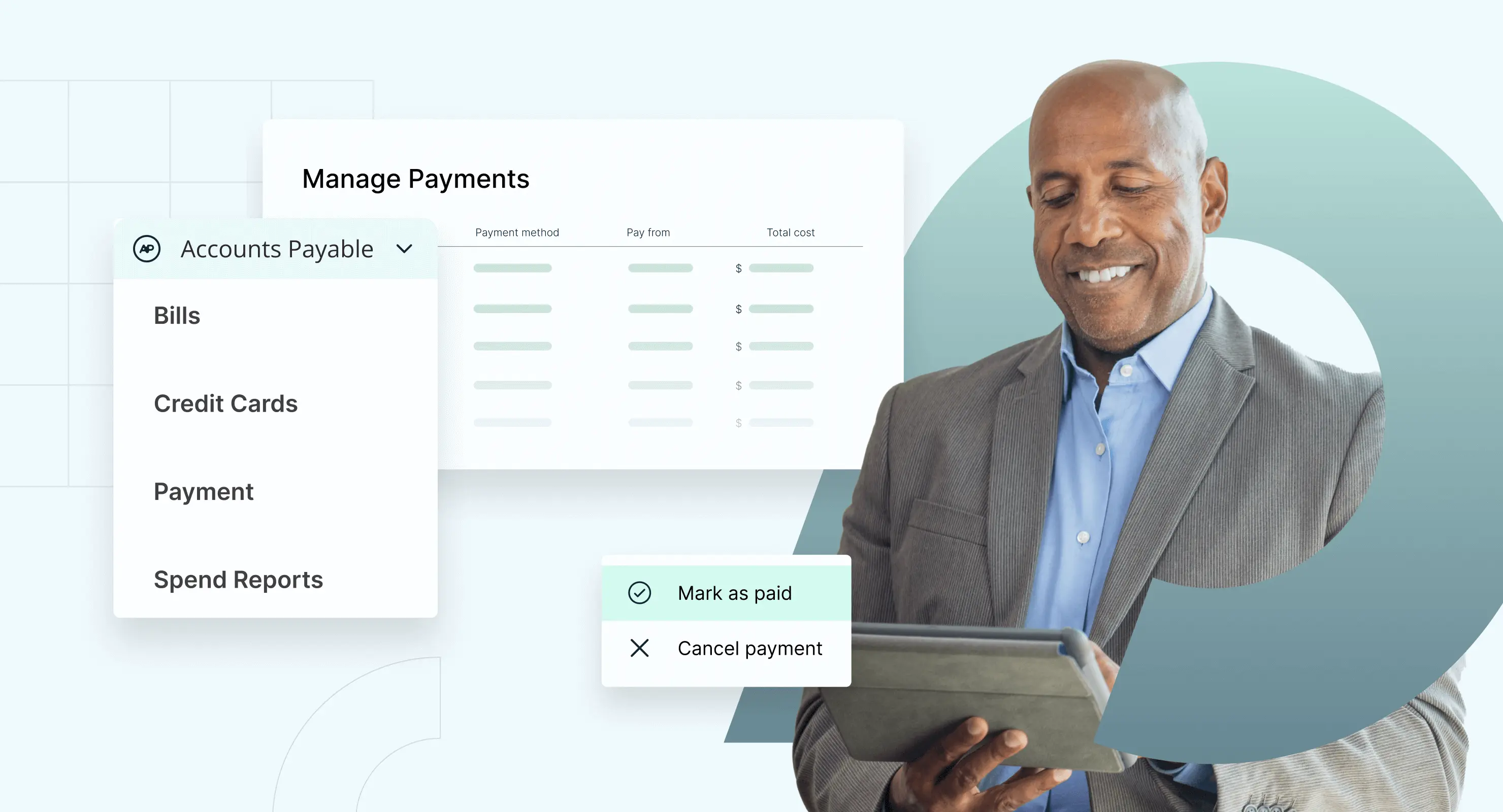
Many teams also rely on status information flowing back from the ERP after posting or payment. This allows AP to track outcomes like posted, paid, voided, credited, or adjusted without switching systems for every update.
Status updates help keep AP and finance aligned through the full invoice lifecycle.
Master data sync with clear ownership
Alongside invoice posting, most organizations sync reference data such as vendors and coding dimensions. The important part is that one system clearly owns updates so records stay consistent across systems.
In practice, many organizations use a combination of these approaches. What matters is being explicit about what happens where, and what the ERP should receive at the point of posting.
How to tell if you AP workflow is working
A working AP workflow is not about perfection. It is about whether invoices move forward with clarity instead of friction.
One simple test is whether your team can answer basic questions without rebuilding context. At any point in the process, AP should be able to see where an invoice is, what has already been reviewed, and what is needed next. Finance should be able to understand how an invoice was approved and coded once it is posted, without chasing emails or notes.
Another signal is how exceptions behave. Invoices that do not match cleanly, such as services or partial receipts, should slow down for the right reasons, not disappear into side conversations. If exceptions are visible, assigned, and resolved within the workflow, the process is doing its job.
Change is another indicator. When approval thresholds, coding structures, or responsibilities shift, the workflow should adapt without creating confusion or workarounds. If small changes force invoices into spreadsheets or inboxes, the workflow is carrying more risk than it should.
Finally, look at spend visibility. A healthy AP workflow makes spend easier to understand as a byproduct of processing invoices, not as a separate reporting exercise. When teams can see what is happening without extra tracking, the workflow is supporting the business instead of slowing it down.
If these conditions are consistently true, your AP workflow is working. If not, the friction usually shows up long before month-end close or audit season.
What to do next: Focus on the work that happens before posting. When invoices reach the ERP with approvals, coding, and supporting context already in place, integration stops creating cleanup and starts doing what it is meant to do.
Webinar: Automate Your AP Processes with Procurify
Learn how AP automation enhances the efficiency, accuracy, and financial visibility of your accounts payable workflows.