



How AP Automation Works: A Process-Level Guide for Finance Teams
AP automation software gives AP teams a more reliable way to manage the invoice workflow from receipt to payment. Instead of treating invoice capture, matching, approvals, payments, and ERP sync as separate handoffs, it brings those steps into one process where each bill has a clear status and next action.
In this guide, we’ll walk through what AP automation actually changes in the invoice queue, how the process works from intake through payment, where AP still needs to review or override the system, and what to look for when evaluating software.
What is AP automation?
AP automation software manages the work between invoice receipt and payment. It captures supplier invoices, extracts key fields, checks the vendor record, matches the bill to a purchase order or receipt when one exists, routes approvals, and prepares the payment batch.
It does not replace the ERP. The ERP remains the system of record for vendor records, posted bills, GL impact, payment history, and the AP subledger. AP automation handles the work before posting: matching the invoice, checking the receipt, resolving holds, confirming ownership, applying coding, and getting approval.
That is why AP automation matters even when you already have an ERP. The ERP may show that a bill exists, but AP still needs to know whether it is ready to pay, waiting on receipt, over tolerance, missing an approver, coded incorrectly, or blocked by a vendor issue.
A key part of that workflow is whether the bill is PO-backed or non-PO.
PO-backed invoices can be validated against an approved purchase order. The system checks the vendor, price, quantity, and, when receiving data exists, the goods receipt. If the bill matches within tolerance, it can continue. If not, AP should see the specific reason, such as price variance, quantity variance, missing receipt, closed PO, or exhausted PO balance.
Non-PO invoices do not have a purchase order behind them. The system can still capture the invoice fields, check for duplicates, suggest a GL code based on vendor history, and route the bill to an approver. What it cannot confirm on its own is whether the spend was authorized. AP still needs to identify who owns the invoice, which cost centre should absorb it, and whether payment should be released.
If a system treats both paths the same way, AP ends up doing that logic manually.
What AP automation actually changes
The clearest way to evaluate AP automation is to look at what changes in the invoice queue. AP should be able to see which bills are ready to pay, which are waiting on receipt, which are over tolerance, which need approval, and which should stay out of the payment batch until the issue is resolved.
Shorter invoice cycle times
Invoice delays usually come from small holds across the process: a missing receipt, a match exception, an approver who has not acted, or a bill that is ready to pay but has not been added to the payment run. When those holds are visible in one queue, AP can clear the work faster without rebuilding status from email, spreadsheets, and ERP notes.
Clean PO-backed bills can move through intake, extraction, matching, coding, and approval with fewer manual touches. AP spends less time rekeying invoice fields, checking the same purchase order details by hand, and chasing approvers for updates.
Fewer duplicate payments and overpayments
AP automation helps prevent payment errors before they reach the payment batch. The system can check invoice numbers, vendor records, PO balances, and match results before payment is committed, so duplicate invoices, exhausted PO balances, and over-tolerance bills are easier to catch earlier.
AP still reviews ambiguous cases, such as similar invoice numbers or disputed quantities. But the obvious exceptions should not move forward unnoticed.
More spend visible before it is invoiced
When AP automation is connected to the purchasing process, finance can see more than invoices that have already arrived. Approved purchase requests, open POs, pending receipts, and bill status give AP and finance a clearer view of committed spend before month-end.
That helps with open payables, accruals, and cash planning. Instead of trying to rebuild what happened after the period closes, finance can see which bills are pending receipt, pending approval, on hold, ready to pay, or already paid.
A retrievable audit trail
Every approval action, coding change, exception note, match result, and payment release should be logged with a timestamp and attributed to a named user. When an auditor asks who approved a bill, at what amount, against which PO, AP should be able to pull the record from the system instead of searching through email.
The goal is a bill record that is easier to trust because the invoice, PO, receipt, approval history, coding changes, exception notes, and payment activity are connected. For PO-backed invoices, this is especially important when teams rely on 3-way matching to confirm what was ordered, received, and billed before payment.
Proof point: Dust-a-Side
Dust-a-Side shows how these benefits come together when AP automation is connected to the purchasing process. Before Procurify, the company operated across six countries with field teams at remote mine sites, but the trail between what was ordered, received, billed, and paid was incomplete. Delivery notes from the field were not always recorded in time for matching, approvals moved through email, and finance could not see committed spend from open POs until invoices arrived.
After implementing Procurify, Dust-a-Side achieved 100% PO-backed billing from go-live, rejected $1.58M in orders before payment was committed, gained visibility into $1.45M in committed spend ahead of invoicing, and improved approvals by 1.38x across a distributed operation.
As Group CFO André van der Westhuizen put it: “If it doesn’t go through Procurify, it doesn’t get paid.”
How AP automation works: the invoice process step by step
Step 1: Capture the invoice and create the draft bill
Invoices arrive through vendor email, a supplier portal, EDI, or as scanned PDFs. AP automation captures the invoice in a working queue, extracts key fields, and creates a draft bill record with the vendor name, invoice number, due date, line items, tax, total amount, currency, and PO reference where one exists.
AI-based extraction is useful because vendor invoice formats vary. One supplier may put the PO number in the header, another may place it in a line item description, and another may separate freight and tax in a way that does not map cleanly to the PO structure. When the system is not confident about a field, AP should be able to review it before the bill moves forward. With an invoice extraction agent, this step is handled, turning incoming invoices into draft bill records ready for matching and review.
Step 2: Check the vendor, PO, and receipt
Before the bill moves to approval, the system checks the invoice vendor against the vendor master. If the vendor is missing, inactive, duplicated, or using a remittance address that does not match the record, the bill should stop for review. Vendor matching handles this check, confirming the vendor record before the bill advances.
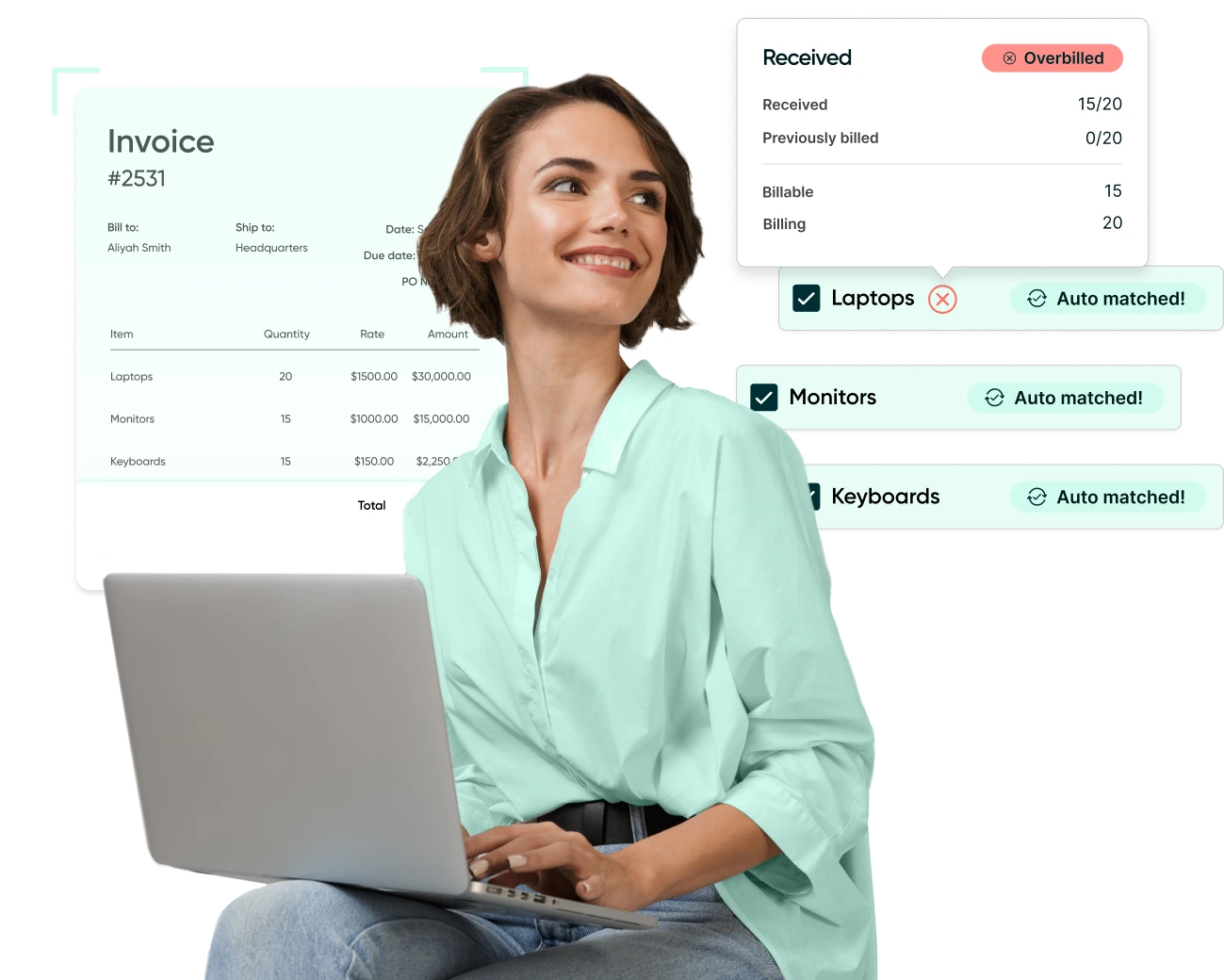
If the bill references a purchase order, the system compares it against the PO on vendor, unit price, and quantity. In a 3-way match, the goods receipt is added to confirm that what was billed was actually received. A useful workflow should show the specific match exception: missing receipt, price variance, quantity variance, closed PO, or exhausted PO balance, instead of forcing AP to investigate from a generic status flag. When finance teams have a side-by-side view of what was ordered, received, and billed before any payment decision is made, spend management becomes that much easier.
Step 3: Apply coding and route approval
Before a bill can be approved and posted, it needs the correct GL account, cost centre, department, entity, project code, and tax code. Capabilities like auto GL coding suggest codes based on vendor history, the original purchase request, or prior coding patterns, while still allowing AP to review and override before approval.
Once coded, bills can be routed to the right approver based on rules such as amount threshold, department, entity, cost center, or vendor type. The approver can see the invoice, PO if one exists, receipt status, coding, and budget context before acting. With proper purchase approval routing, approvers have what they need to act without having to go back to AP for context.
Step 4: Manage exceptions
Not every bill should move forward automatically. The exception queue usually includes bills pending receipt, bills with a price or quantity variance, duplicate invoice numbers, vendor master issues, non-PO invoices with no confirmed owner, and new vendors pending setup.
Good exception handling is specific. AP needs to know what is holding the bill and what action is needed next, whether that means following up on a missing receipt, correcting coding, sending the invoice back to the vendor, or routing a non-PO bill to the right owner. A side-by-side view gives AP the invoice and the relevant records in one place, so the investigation does not require opening multiple systems.
Step 5: Prepare payment and sync back to the ERP
Approved bills move into the payment batch, where AP can review what is ready to release, which vendors are included, which payment method applies, and who needs to authorize the run. This is where payment automation matters: teams should be able to prepare payments in bulk, approve the batch, manage domestic or international payment methods, and send remittance details without rebuilding the payment run manually.
Procurify supports this step with Bulk Payment Prep, Bulk Payment Approval, International Payments, and automated remittance emails, helping AP move approved bills from payment review to vendor confirmation with less manual coordination.
After payment, the record syncs back to the ERP with invoice status, payment status, vendor details, coding, payment date, and line-item detail where applicable. A strong integration should reduce reconciliation work at close, not move cleanup to the end of the process.
Where AP judgment is still required
AP automation can clear the routine checks, but it should not approve every invoice without review. The best systems separate clean bills from the ones that need judgment, then give AP the context to make the right call.
That is especially important for non-PO invoices. Without a purchase order, the system can extract the invoice, suggest coding, check for duplicates, and route it to an approver. But AP still needs to confirm who requested the spend, which cost centre should absorb it, and whether the bill should be paid at all.
Disputed invoices also need human review. If the vendor billed ten units, receiving shows eight, and the PO says ten, automation can flag the quantity variance, but AP still has to work with the buyer, receiver, or vendor to resolve the difference before payment is released.
The same is true for split-coded bills, multi-entity invoices, and new vendors. A system can recommend coding, route approvals, or hold the bill until vendor setup is complete, but AP still needs to review the details when the business context is not straightforward.
This is where AI agents in AP can be useful. They can use purchase history, vendor records, PO data, receipts, coding patterns, and approval rules to make better recommendations. But the role of automation is to surface the right context, not remove AP from the decisions that require judgment.
What to look for when evaluating new software
The best demo is not a clean invoice with a perfect PO match. It is one of your real problem invoices: missing receipt, over tolerance, non-PO, split-coded, waiting on approval, or stuck in ERP sync. That is how you see whether the system will reduce AP work or simply move the same work into a new queue.
Exception handling should show the reason, not just the status. AP should be able to see whether a bill is waiting on receipt, over tolerance, tied to a closed PO, missing an owner, or blocked by a vendor record issue. If the queue only says “exception” or “pending review,” AP still has to investigate manually.
PO-backed and non-PO invoices should follow different paths. PO-backed bills need clear match results, including price variance, quantity variance, missing receipt, closed PO, or exhausted PO balance. Non-PO bills need a structured path for coding, ownership, duplicate checks, and approval.
Approval rules should be easy for finance to maintain. As teams, budgets, and approval thresholds change, AP or finance operations should be able to update routing rules without relying on IT for every workflow change.
ERP sync should reduce close work, not create more of it. Confirm whether line-item detail, GL coding, vendor data, payment status, attachments, and supporting documents sync back to the ERP. Failed syncs should be visible, especially in multi-entity or multi-currency environments.
The audit trail should be testable in the demo. Pick one bill and trace the full record from invoice capture through vendor check, match result, coding changes, approvals, exception notes, payment release, and ERP sync. If approval history or supporting documents still live outside the system, audit requests will remain harder than they should be.
For a side-by-side vendor review, see the best accounts payable software comparison.
How it connects to purchasing
AP automation works best when it is connected to the purchasing process that happens before the invoice arrives. Purchase requests, budget checks, PO creation, and goods receipt all affect how cleanly a bill can move through AP.
If purchases are approved outside a formal workflow, AP receives more non-PO invoices. If receiving is not captured on time, 3-way matching stalls. If coding is missing from the original request, AP has to fix it later before close. A procure-to-pay platform helps connect those upstream steps to invoice matching, approval, payment, and reconciliation.
Make AP a stronger source of spend control
Procurify helps finance teams use AP as more than the final step before payment. With invoice status, committed spend, approvals, receipts, and payment readiness managed together, finance can make better decisions before close, reduce unnecessary payment risk, and give AP the structure to support a more controlled spend process.
See how Procurify helps finance teams strengthen AP as part of spend management.
AP automation FAQs
Why use AP automation if your ERP already manages invoices?
An ERP stores the financial record, but AP automation manages the work that happens before a bill is ready to post or pay. That includes invoice capture, vendor checks, PO matching, approval routing, exception handling, payment preparation, and audit history. The ERP remains the system of record, while AP automation helps AP get cleaner, approved bill data into it.
What should AP teams automate first?
Most teams should start with the highest-volume, lowest-judgment work: invoice capture, field extraction, vendor checks, PO matching, approval routing, and duplicate invoice detection. Non-PO invoices, disputed bills, new vendors, and complex coding should still route to AP for review.
How does AP automation reduce payment risk?
AP automation reduces payment risk by checking invoice numbers, vendor records, PO balances, receipt status, approval history, and coding before payment is released. The system should hold bills that are missing a receipt, over tolerance, tied to a closed PO, flagged as duplicates, or blocked by a vendor record issue.
What makes AP automation useful for month-end close?
AP automation helps month-end close by showing which bills are pending receipt, pending approval, on hold, ready to pay, or already paid. When AP has a current view of open payables, committed spend, coding, and exception status, finance does not have to rebuild the invoice queue from email, spreadsheets, and ERP notes after the period closes.
What should AP review before choosing software?
AP should review the system with real invoice scenarios, not only a clean demo bill. Test how it handles a missing receipt, a PO price variance, a duplicate invoice, a non-PO bill with no clear owner, a split-coded invoice, a new vendor, and a failed ERP sync.
The goal is to see whether the software gives AP a clear next step or simply moves the same investigation into a new queue.
Webinar: Automate Your AP Processes with Procurify
Learn how AP automation enhances the efficiency, accuracy, and financial visibility of your accounts payable workflows.


