


Search across Procurify from one place
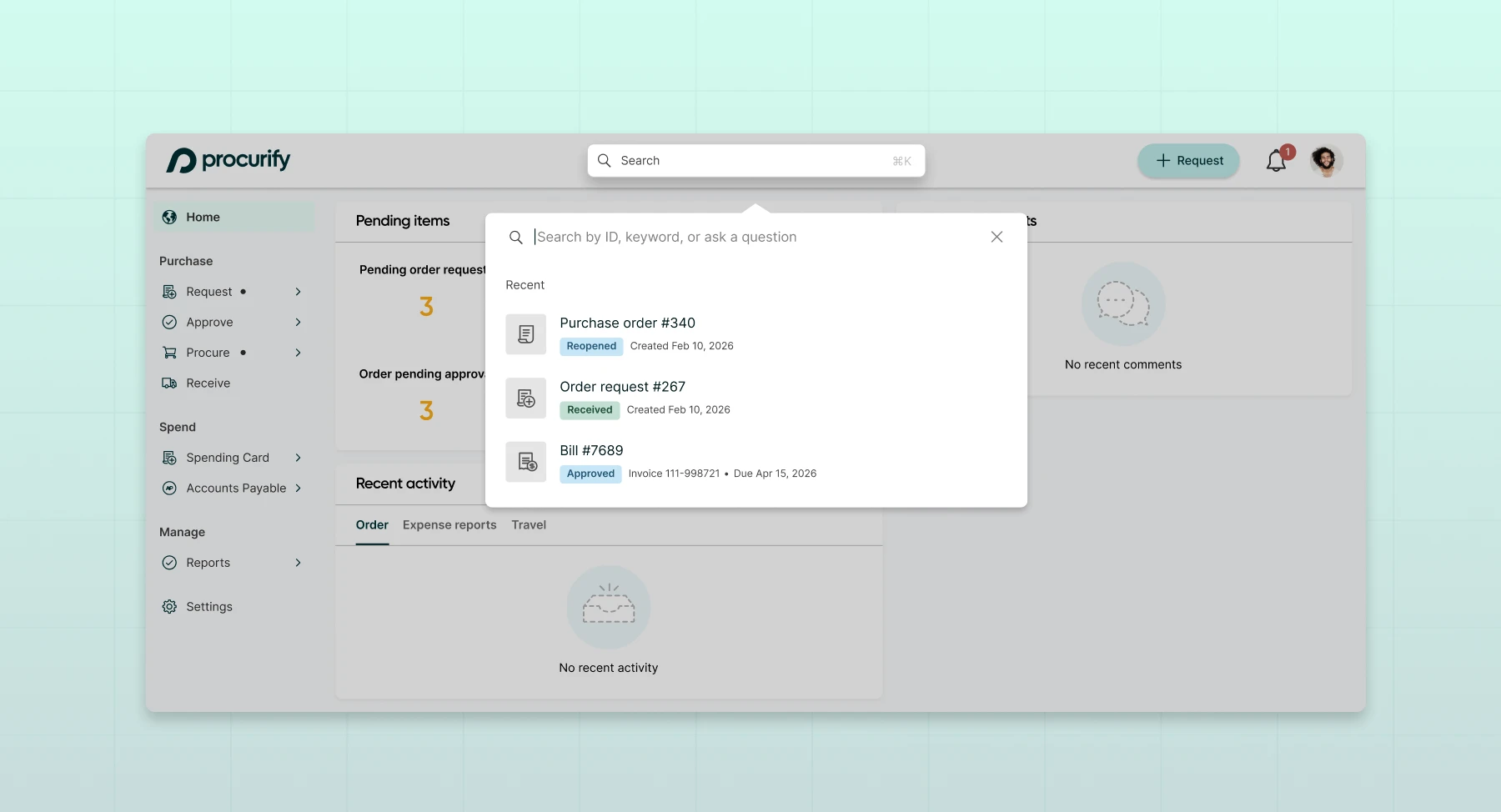
Smart Search is now available at the top of every page in Procurify through the new command bar. Instead of navigating through different pages and tabs to track down a record, users can search from a single place for: Order Requests, Expense Requests, Purchase Orders, Bills, Payments, Vendors, Catalog Items, and Contracts.
Type a record ID, a vendor name, a keyword, or describe what you’re looking for in plain language. Smart Search finds it and shows the current status right in the results, no clicking in required.
No setup required. Learn more about the feature in our Knowledge Base article. Smart Search is rolling out to users throughout June. Reach out to your Customer Success Manager for more information about getting access if you don’t see it in your domain.


