

Track purchase orders from order to bill in Spend Insights
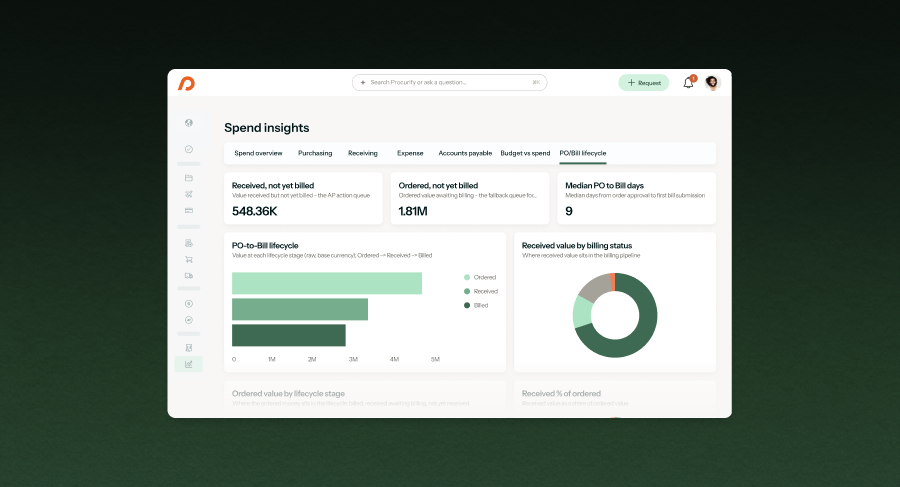
You can now open the PO to Bill report within Spend Insights to follow each PO line from ordered to received to billed. At month end, finance and AP teams can see what’s been received but not yet billed without exporting PO and bill data and matching it up in a spreadsheet.
What’s new:
- Totals for value received but not yet billed and ordered but not yet billed, by vendor, department, location, or account code
- Billing and receiving status on each line, so partially billed and over-billed lines stand out
- Filter to any PO to see the receipts and bill lines behind it
PO to Bill is available in Spend Insights now. If you do not see it, reach out to your admin for access. Learn more about the PO to Bill report in the Procurify Knowledge Base or watch a video overview from our Product Manager below.


