The Benefits of Expense Management Software for Growing Businesses
Reconciling last month’s card statement, or explaining to a department head why their actual spend doesn’t match the number in their head, is rarely a training problem. It’s what happens when a process built for twenty employees and one shared card gets asked to run at two hundred, and nobody has gone back to redesign it.
GBTA’s research on what an expense report actually costs to process puts the number at about twenty minutes of staff time and $58 per report, and roughly one in five reports arrives with an error or a missing detail that has to be chased down before it can close. Multiply that by a headcount finance can no longer eyeball line by line, and the cost stops being a rounding error in the admin budget. It becomes the reason month-end never gets easier, month after month, no matter how good the team gets at data entry.
Expense management software reduces the administrative cost of handling expenses, gives finance more control over company spend and clearer visibility into it, and creates a process built to scale without piling on the same manual work every time headcount grows.
The benefits build on each other: cleaner submissions make approvals easier, better approvals improve the underlying data, and better data gives finance a clearer picture of where money is going.
1. Expense management software reduces bookkeeping costs
Expense management software reduces bookkeeping costs by removing much of the manual work that drives those costs in the first place. Data entry that used to mean retyping a receipt’s vendor, date, and amount can happen automatically through OCR capture, reducing both the time involved and the errors that come from entering the same information twice.
Missing receipts and incomplete claims can also be caught at submission rather than weeks later during reconciliation, because a claim without the required information doesn’t have to move forward. Duplicate submissions can be flagged before they become duplicate payments.
Approval routing removes another source of administrative work. A request moves automatically through a defined approval workflow to whoever is responsible for reviewing it, instead of depending on someone forwarding an email at the right moment.
Once each transaction carries the receipt, coding, and approval history with it, review becomes much more straightforward. Finance can confirm that the required information is there, clear the expense, and send anything that needs attention back into a review queue rather than starting another email thread. The result is a shorter path from submission to reconciliation and, ultimately, to a cleaner close.
2. It gives finance better visibility into spend
A monthly report tells finance how a budget looked at the end of last month, which is already history by the time anyone opens it. When expenses are categorized as they’re submitted rather than weeks later during reconciliation, budget usage can be tracked as it develops instead of reconstructed after the quarter is already over.
That visibility can be viewed at whatever level finance needs: by department, category, vendor, or project. A budget drifting off plan becomes visible while there is still time to respond, rather than at the review meeting where the only options left are to explain the variance or absorb it.
The same history also makes forecasting more useful. A finance lead planning next year’s conference budget can look at what a comparable event actually cost twelve months earlier rather than starting with an estimate nobody in the room can quite explain or defend.
Shared dashboards and spend analysis tools, built on the same expense reporting data, can extend that visibility to the people who actually own the budget. Department leaders can track spending against plan and adjust before the quarter closes rather than waiting for finance to identify the problem afterward.
3. It improves policy compliance and control
Compliance becomes easier to manage when rules are enforced during the expense process rather than checked only after the fact. Required receipts, approval thresholds, spending limits, and category rules can be applied as expenses are submitted, allowing exceptions to surface while they are still easy to correct.
That matters because a policy is much easier to follow when the process reinforces it. An employee who is told immediately that a receipt is missing or an amount exceeds an approval threshold can correct the issue before submission, rather than learning about the problem two weeks later when finance rejects the claim.
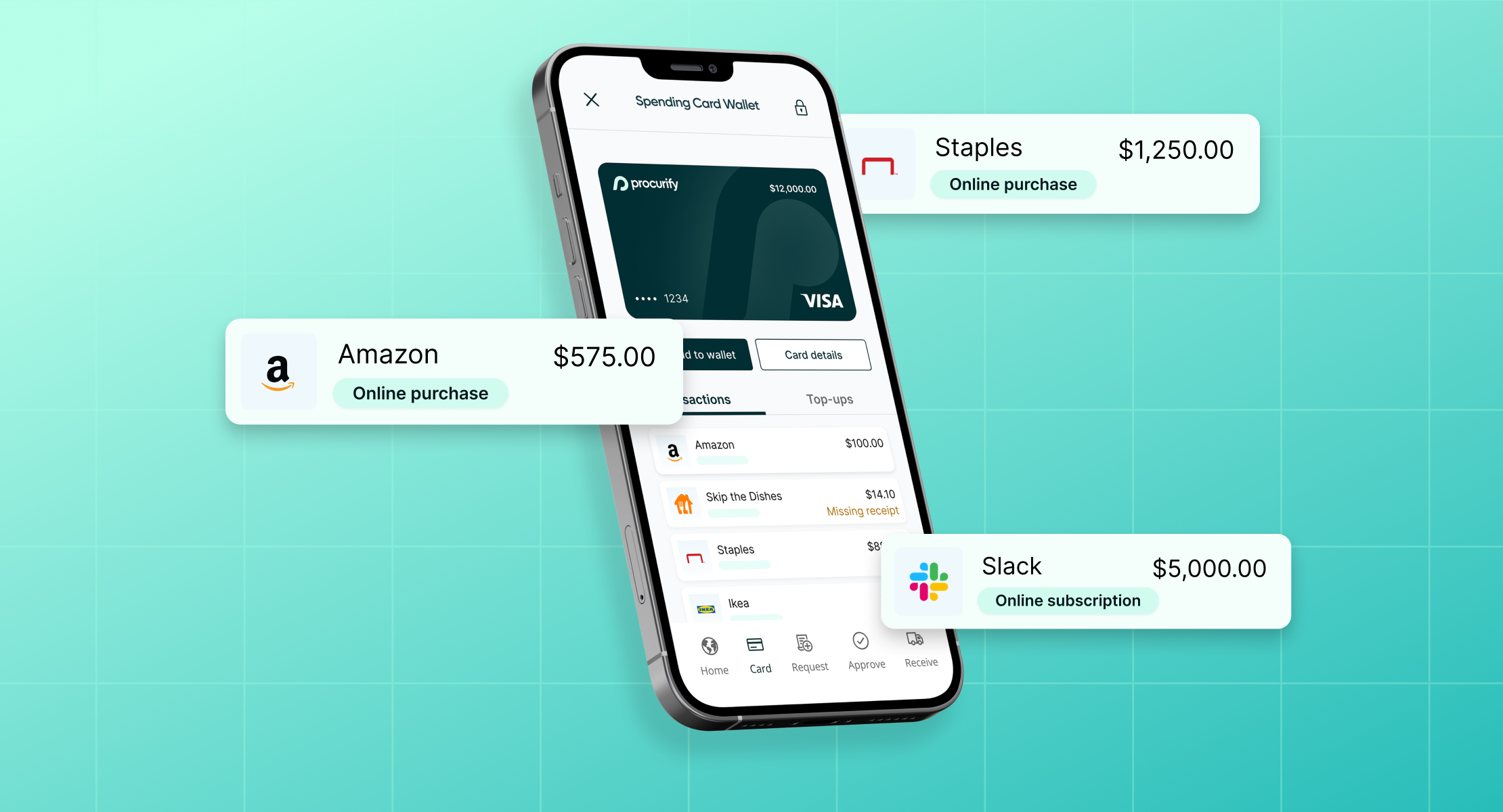
Some organizations take this a step further by moving certain purchases out of reimbursement entirely and into pre-approved card spend. With a purchasing card, a limit can be approved for a person, department, or project before the purchase happens, which gives the organization another way to control how much can be spent before money moves.
That does not make every transaction compliant automatically, the wrong vendor or category can still be used, but it does reduce one common source of uncontrolled spend. It also creates a clearer record of who owns the spend, what limit was approved, and which budget it belongs to.
This webinar on reimbursement and controlled card spend shows how those two workflows can work side by side.
4. It improves the employee experience
For the employee submitting an expense, many of these benefits show up as friction removed rather than features added. Fronting personal money and waiting to be reimbursed is one of the clearest examples.
There is also a less visible cost to reimbursement: the purchase that never gets made. Asked to pay first and wait, some employees may decide to skip a useful tool, a client expense, or a conference add-on rather than carry the cost themselves, even if the company would have approved it.
Faster, easier expense and reimbursement reporting helps with the visible side of that problem. A receipt captured at the time of purchase can have its vendor, date, and amount read automatically, while mobile spend management lets employees submit the information while the transaction is still fresh.
Employees also get faster feedback when something is missing or outside policy. Instead of discovering the issue after finance reviews the claim, they can correct it at submission and learn the rule the first time it applies.
For purchases that can be pre-approved, card-based spend removes the need to front personal money altogether. An employee traveling for work can make an approved purchase, capture the receipt immediately, and avoid creating a reimbursement claim in the first place.
5. It scales better as the company grows
At twenty employees, finance can often brute-force expense management: one person reviews every submission, chases the occasional missing receipt, and catches mistakes because there simply aren’t that many transactions to manage.
That process rarely fails all at once as the business grows. It becomes harder one exception at a time, until the number of things going slightly wrong exceeds the number of people available to notice and correct them.
At two hundred employees, or two thousand, transaction volume is only part of the challenge. There are more approvers who need consistent routing, more departments that need visibility into their own budgets, more cards and spending limits to manage, and more exceptions than one person can reasonably chase individually.
That is the structural benefit of expense management software as a company grows: the process becomes repeatable without requiring finance to add the same amount of manual work every time spending volume or headcount increases.
How to implement expense management software
Implementation is usually as much a process question as a software question. The exact rollout will depend on the organization, but a practical sequence looks something like this:
- Document the current expense process as it actually works today, including where reimbursement and card spend already overlap.
- Decide which categories of spend should remain reimbursable and which could move to pre-approved card spend.
- Define approval rules and policy limits: who approves what, at what threshold, and what counts as out of policy.
- Clean up expense categories and the chart of accounts before migration so existing inconsistencies aren’t simply carried into the new system.
- Connect the accounting software or ERP so approved expense data can flow into the general ledger without a parallel manual process.
- Migrate active users, cards, and policies.
- Train employees and approvers on the new workflow, including what changes for them day to day.
- Measure adoption, exceptions, and processing times after launch to see whether the new process is actually improving.
How much work that requires depends less on the feature list than on what needs to connect: an existing ERP, an established card program, a complex approval structure, or a chart of accounts that needs cleanup before migration.
Expense management vs. procurement management
Procurement management governs what an organization buys before the commitment is made: sourcing a vendor, negotiating terms, managing approvals, and issuing a purchase order. Expense management generally focuses on employee expenses, reimbursements, and card spend, including purchases that may not move through a traditional purchase order process.
The two processes solve different problems, but they increasingly need to work from the same information. A company can have a well-controlled procurement process and still spend hours every month reconciling employee expenses by hand. Likewise, expense management becomes more useful when card and reimbursement spend can be viewed alongside the same budgets used for purchasing.
How to tell if expense management is actually improving
A useful way to check whether the benefits are showing up in practice is to track a small set of measures for sixty to ninety days:
- Submission-to-approval time
- Reimbursement cycle time
- Percentage of claims returned or flagged
- Percentage of spend falling outside policy
- Missing-receipt rate
- Time spent on expense-related cleanup at close
There isn’t one universal benchmark that determines whether every expense process is working well. What matters more is whether those numbers improve over time. Faster approvals accompanied by fewer exceptions, fewer missing receipts, and less cleanup at close are much stronger signs of progress than simply knowing employees are using the new system.
Ultimately, the benefits of expense management software come from removing work that does not need to be manual while giving finance a clearer view of spend as it happens. Employees spend less time filing and correcting expenses, finance spends less time reconstructing them, and budget owners get better information before the month or quarter is already over.
If you want to see how reimbursement, pre-approved card spend, approvals, and budgets can work together, check out the expense management product tour.
$30B+ in real spend data you won’t get anywhere else
Find out what it takes to move from reactive to AI-driven operations.